 Works
Works 

Say less.Get theright reply.
Whytype floats over every app on your phone, reads the conversation, and writes the perfect reply in your tone — in seconds. Plus meeting notes, transcripts and AI search on your phone and watch.
Understand · Generate · Respond
How it works
From conversation to reply
in two taps
Tap the floating blob on Android or double-tap the back of your iPhone. Whytype reads the screen, drafts the reply and disappears.
On iPhone
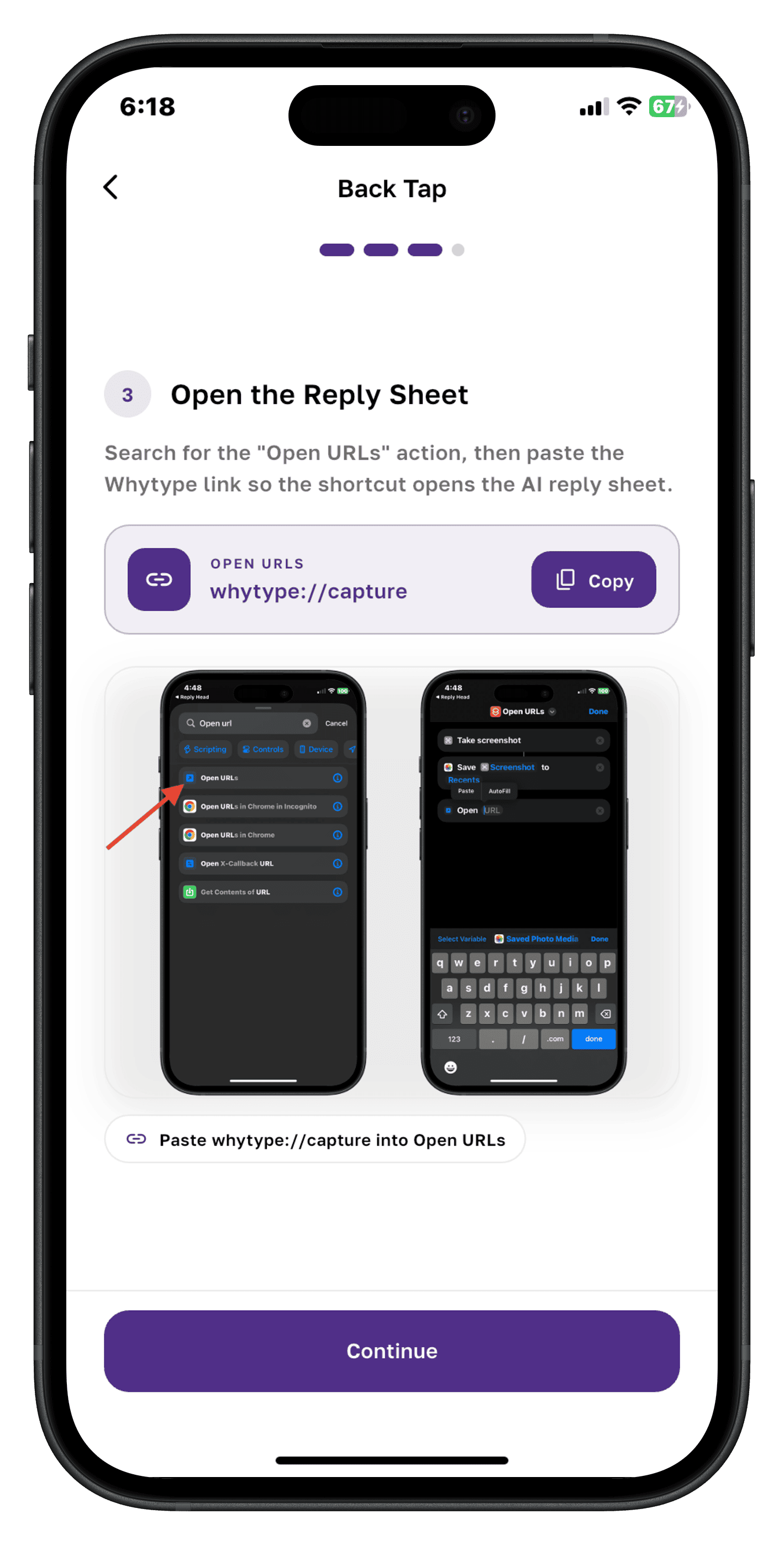
Back Tap setup
One-time setup — point a Back Tap shortcut at Whytype.
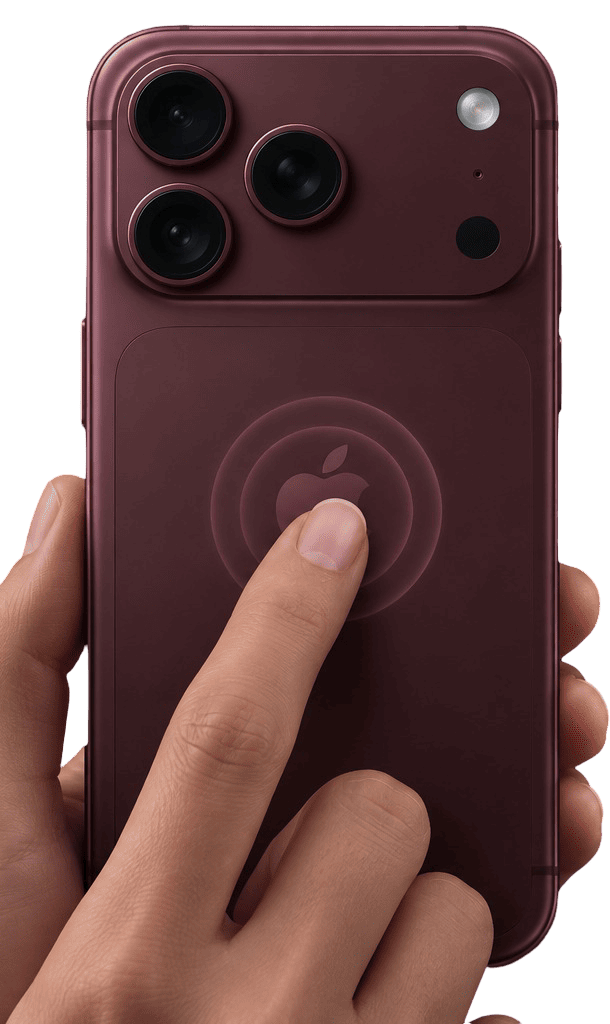
Double or triple tap
Tap the back of your iPhone twice or three times.
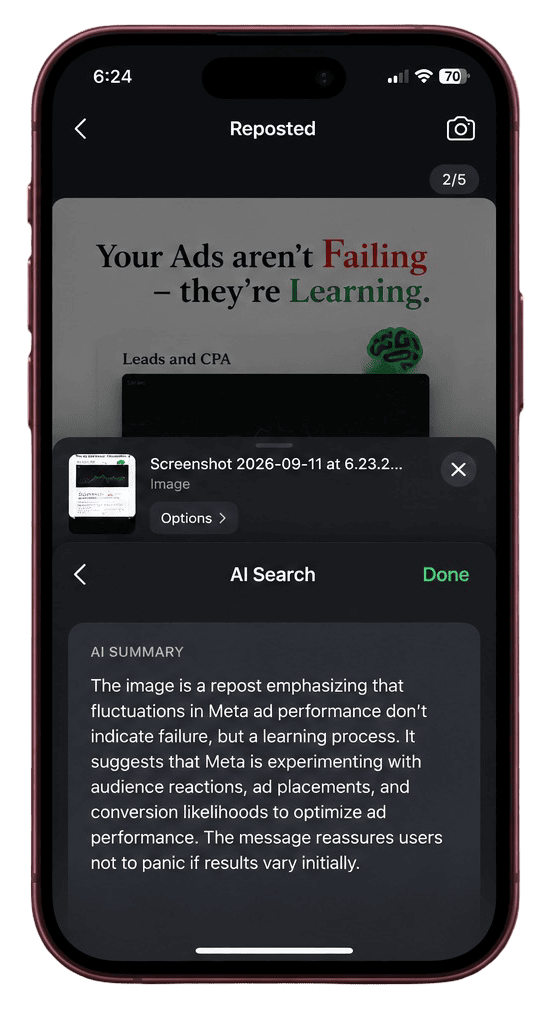
AI Search
Your screen is captured and answered instantly.
On Android
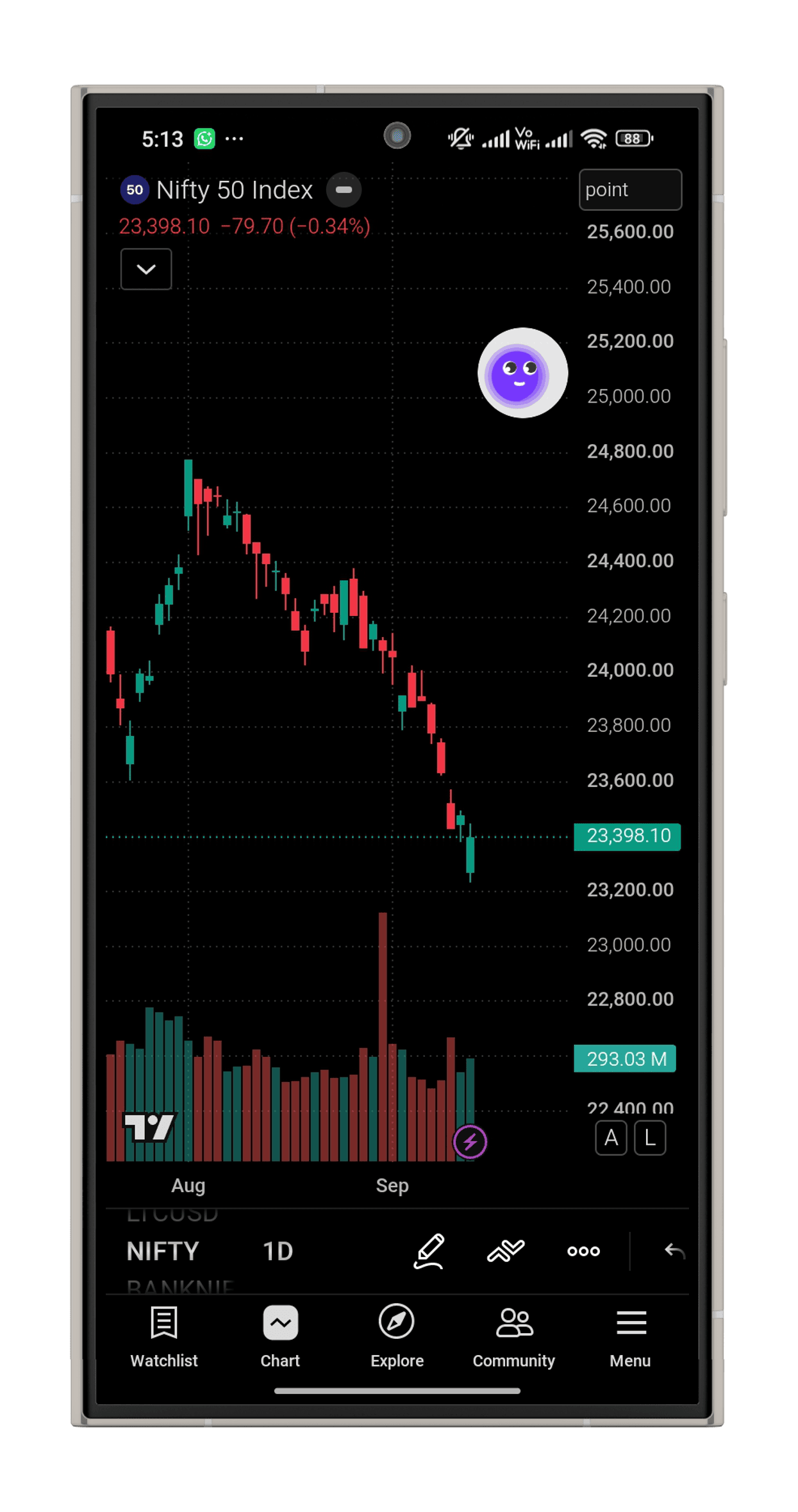
Tap the blob
A floating bubble over any app — one tap wakes Whytype.
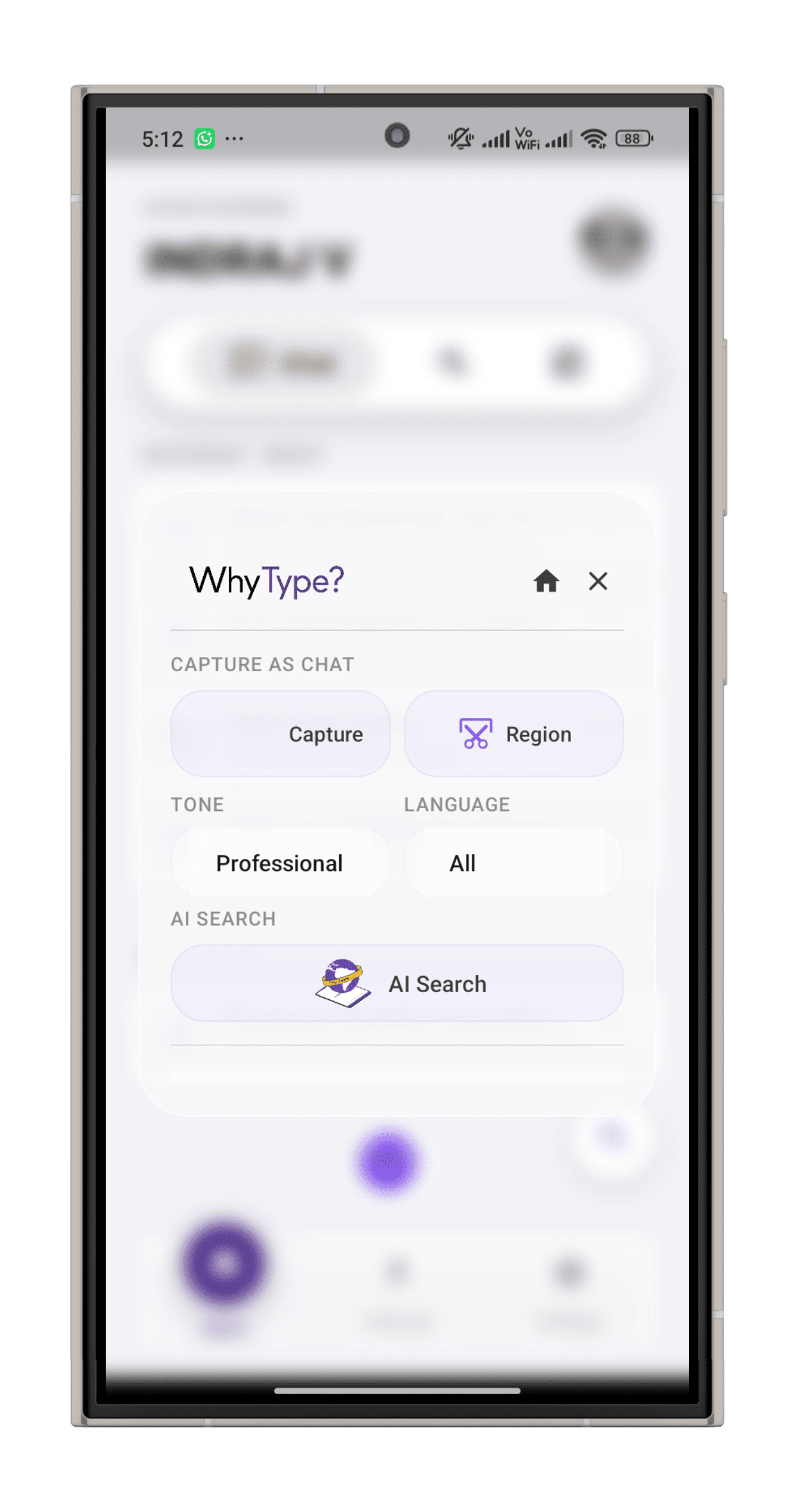
Pick your options
Capture the screen or a region, set tone and language.
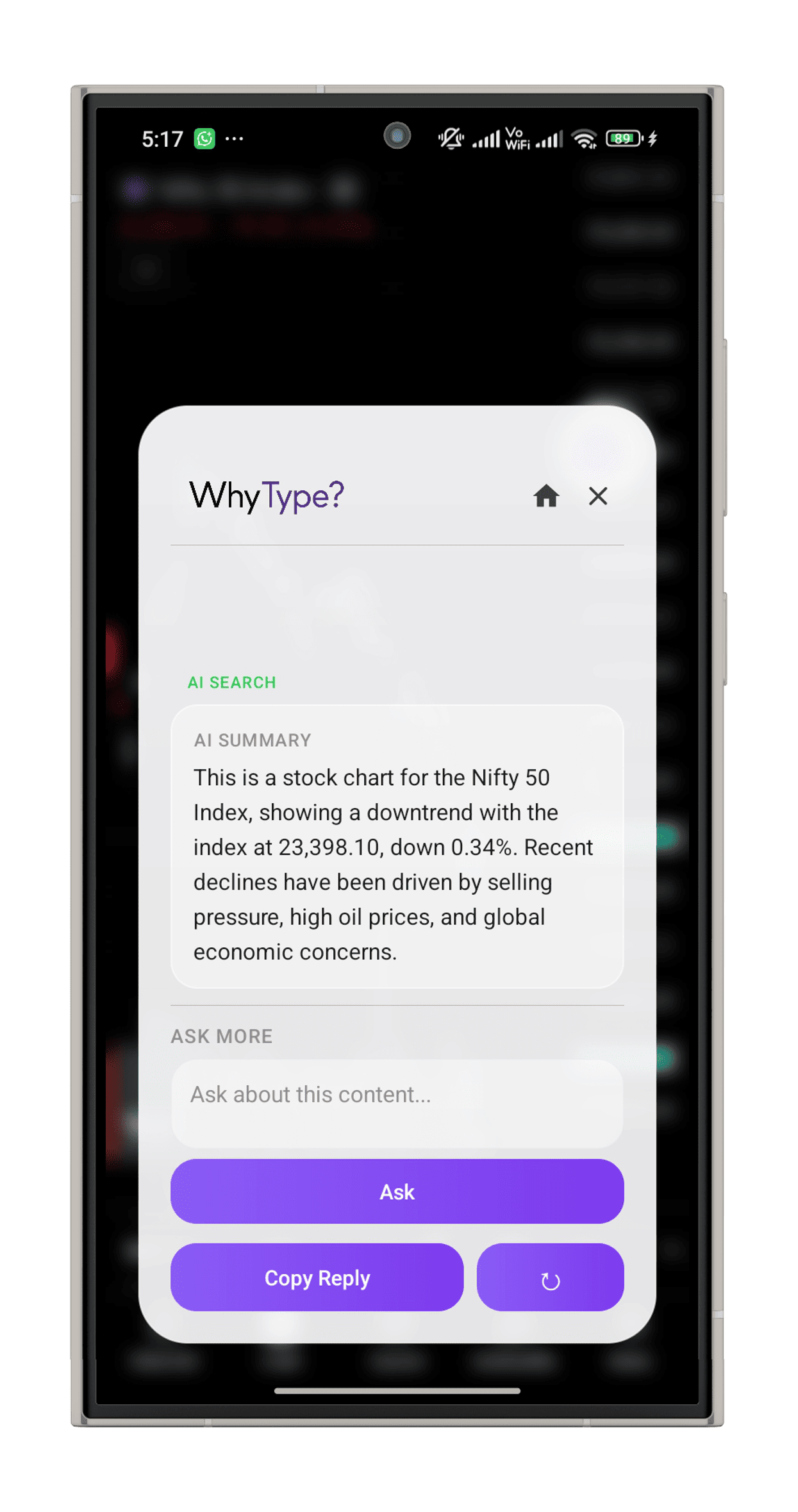
Get the answer
An instant AI summary — ask more or copy the reply.
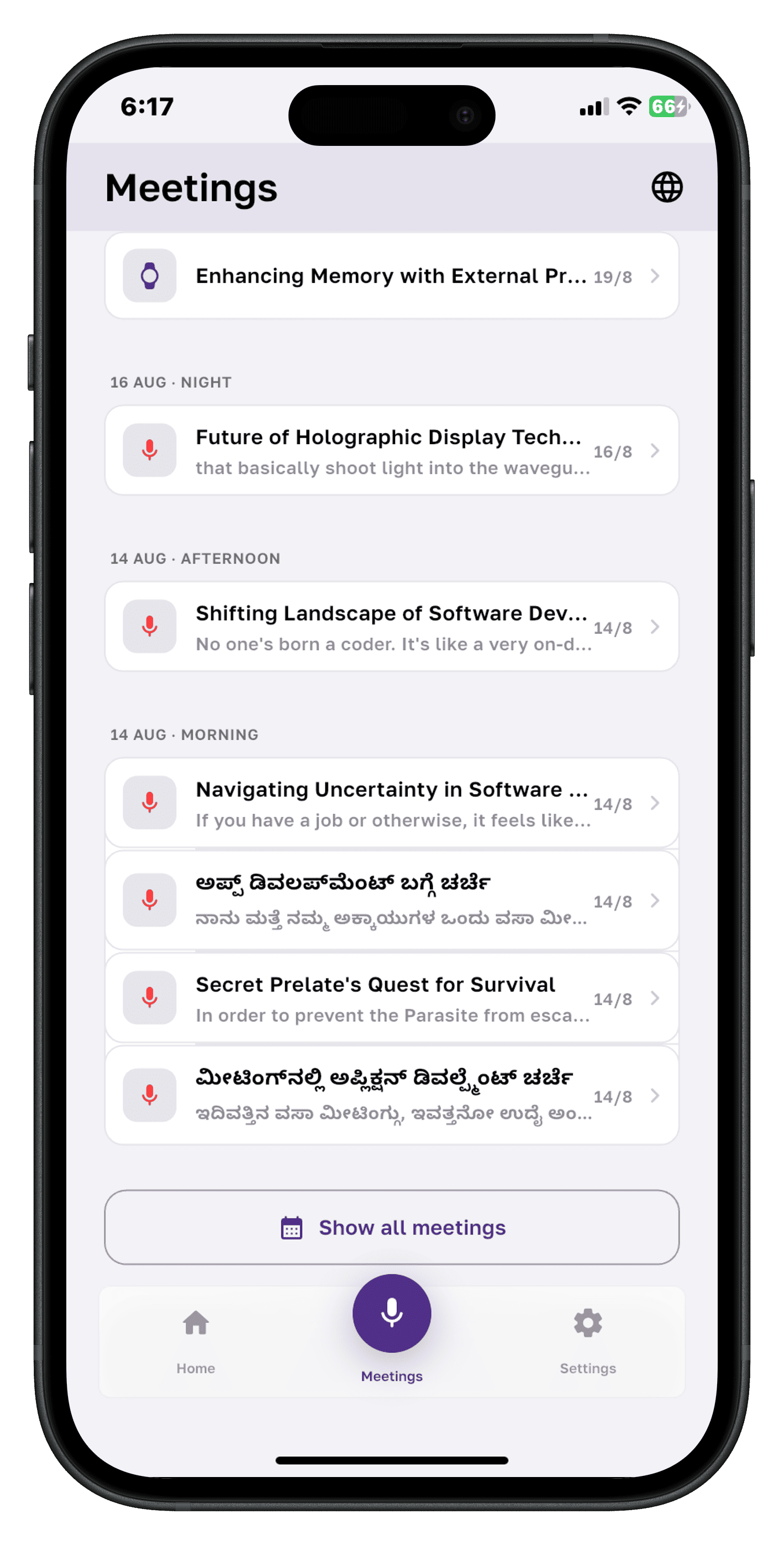
Meetings, remembered
Never lose the thread.
Whytype turns your conversations into searchable, organized meeting memories.
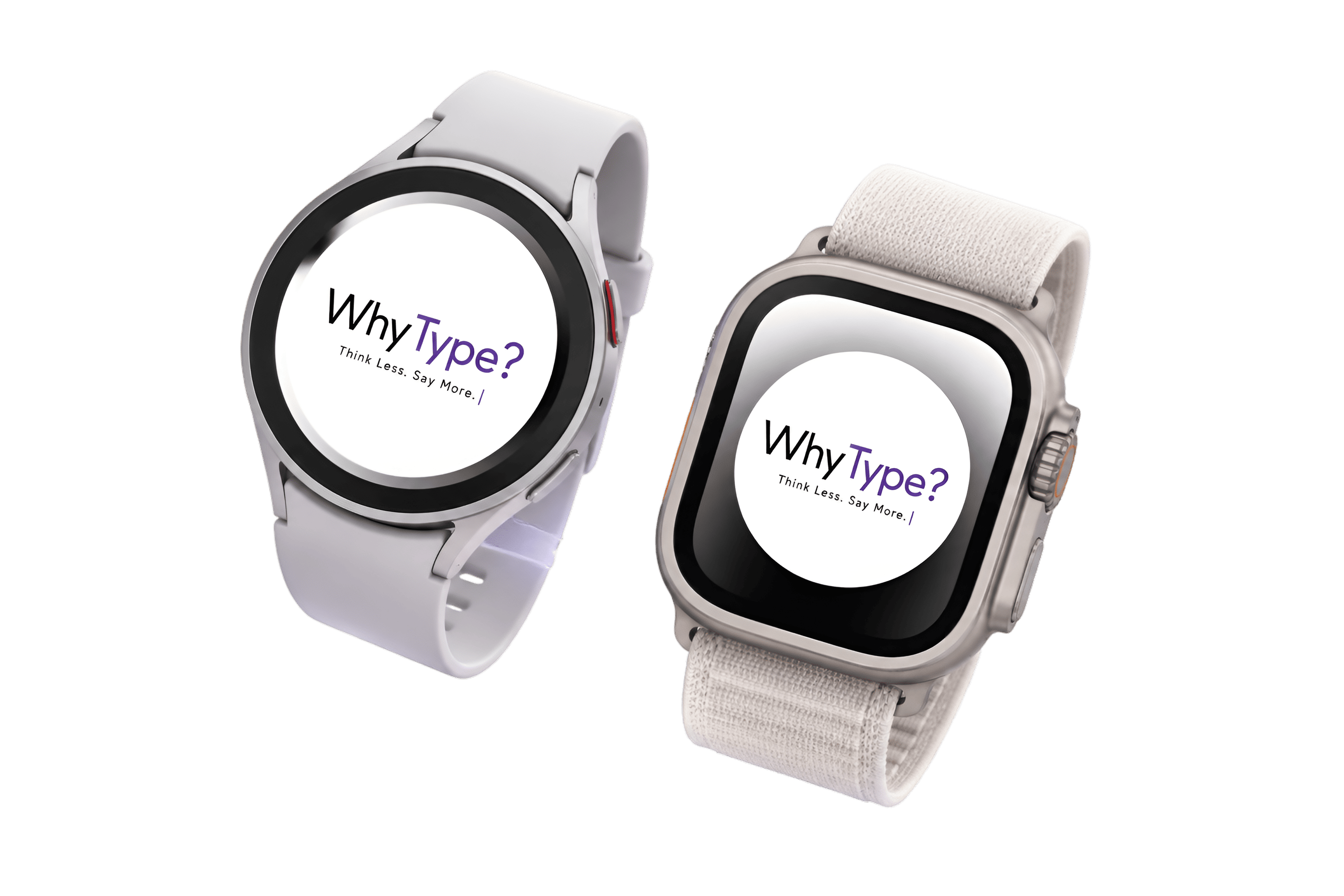
Whytype on your wrist
Your meetings.
Right on your wrist.
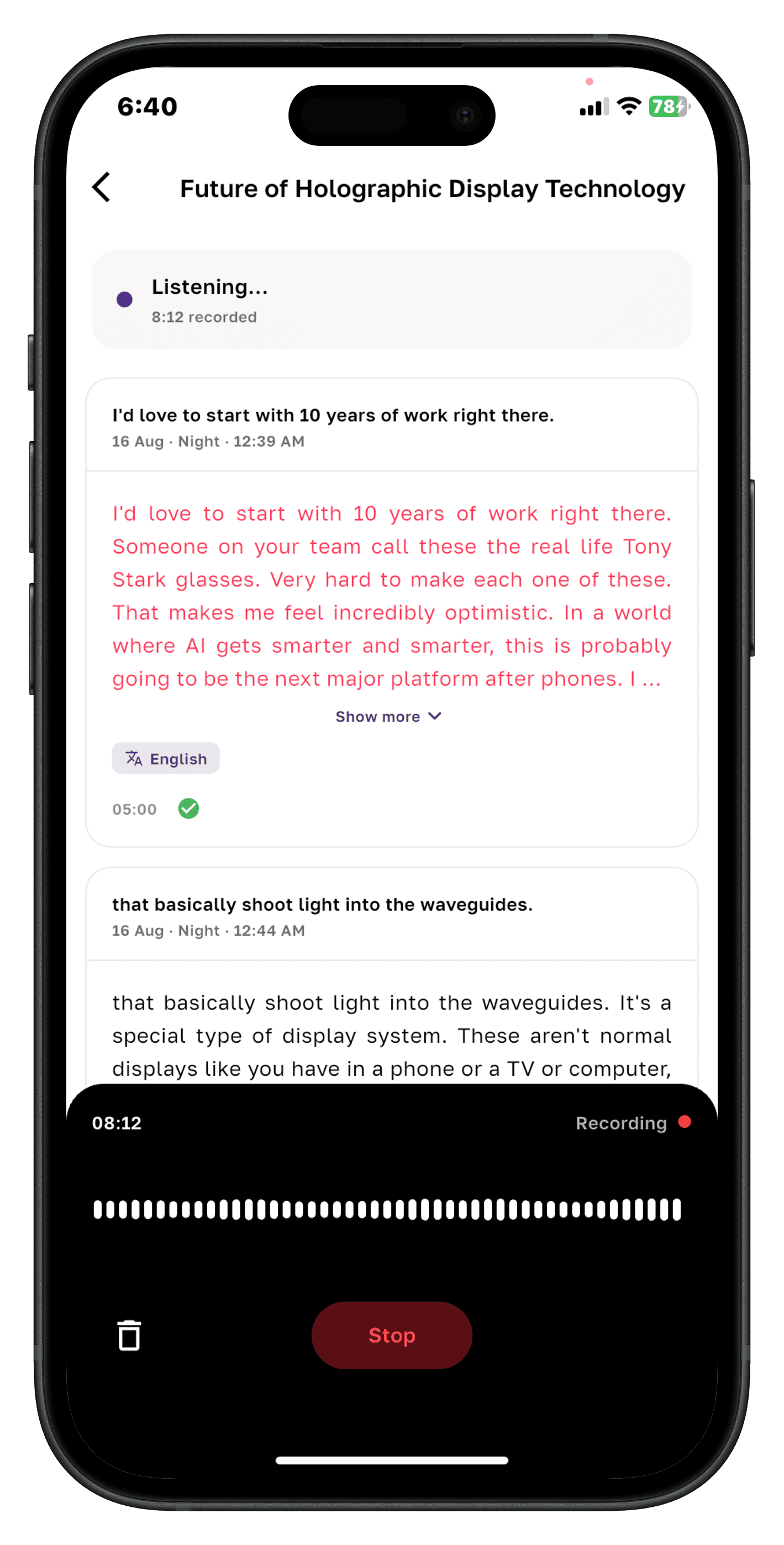
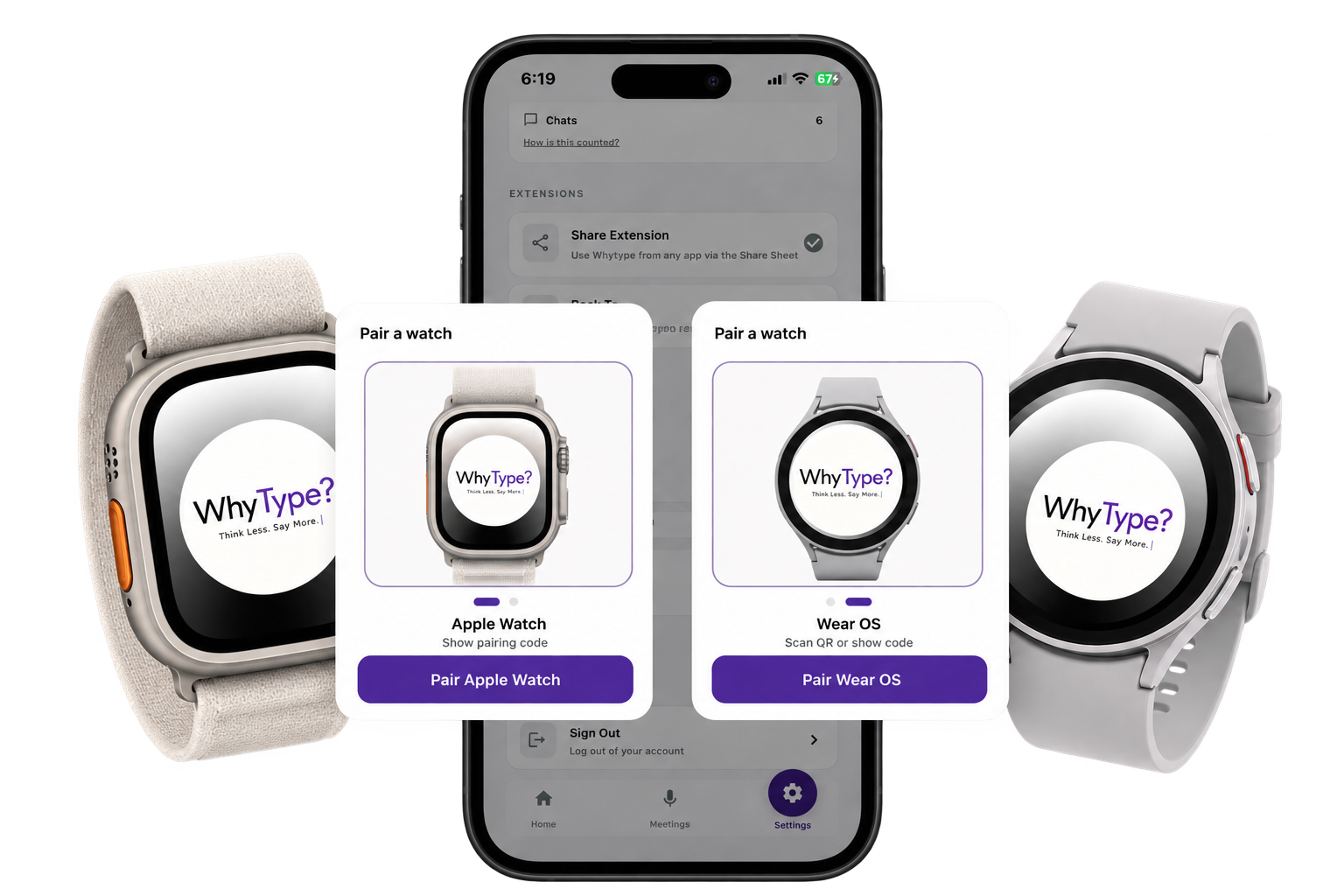
Record conversations, get transcripts, understand the key points, and listen back — no phone required. Pair your watch once and you’re set.
Apple Watch · Wear OS
01 / Record
Start a meeting from your wrist.
Tap your watch and record the conversation without reaching for your phone.
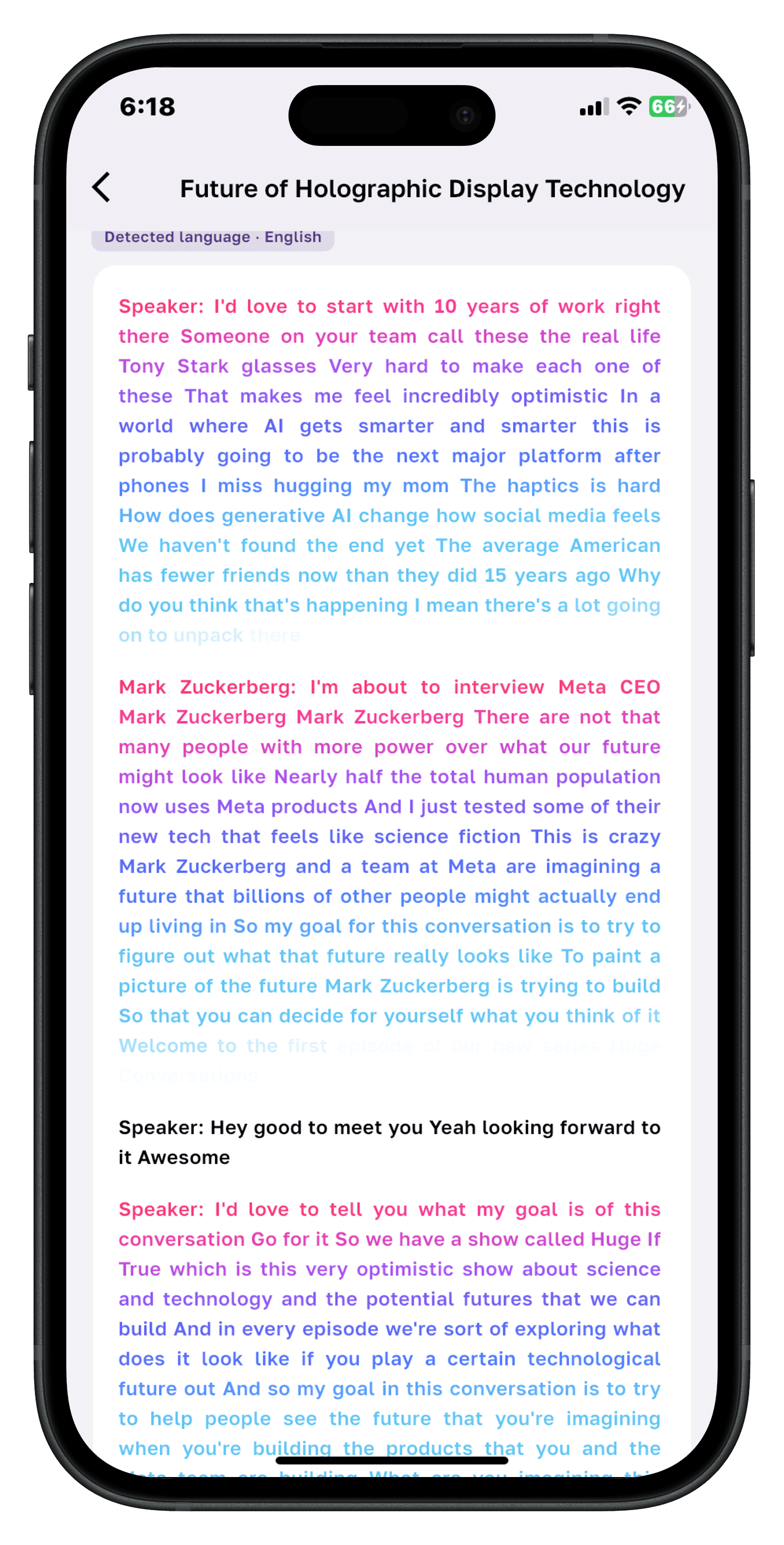
02 / Transcribe
See the conversation take shape.
Your recording becomes a readable transcript directly on the watch.
03 / Summarize
Get the point. Skip the replay.
Turn the conversation into a concise summary of what matters.
04 / Listen
Take it with you.
Listen back to your recording or meeting result directly from your wrist.
Built by DizByte
- Product design
- AI systems
- Mobile app development
- Watch app engineering
iOS · Android · watchOS · Wear OS
Twelve ways to sound like yourself
Pick a tone, or write your own instruction. Every reply is generated in the voice you actually use.
- Professional
- Friendly
- Casual
- Romantic
- Flirty
- Funny
- Formal
- Rephrase
- Confident
- Short
- Long
- Supportive
Start free, go Pro when you're hooked
Billed through the App Store and Google Play. Restore your purchase on any device, any platform.
Free
$0forever
- Floating bubble + Back Tap capture
- AI replies in any app
- Chat & Email modes
- 5 tone presets
Download Whytype — cancel anytime.
Pro
$4.99per month
- Everything in Free
- All 12 tones + custom instructions
- AI web search with sources
- Meeting notes, transcripts & summaries
- Semantic search across everything
- Apple Watch & Wear OS apps
Go Pro — cancel anytime.
Frequently asked questions
How does Whytype work?
Tap the floating bubble (Android) or use Back Tap (iOS) and Whytype reads the conversation on your screen with on-device OCR. Pick a tone, optionally add an instruction like “keep it short”, and get a ready-to-send reply — without ever leaving the app you're in.
Does it work in every messaging app?
Yes. Whytype doesn't rely on app-specific integrations. It captures what's on your screen and understands the context, so it works in WhatsApp, iMessage, Instagram, Messenger, LinkedIn, Gmail, Slack and anything else you use.
What can Whytype do with meetings?
Record meetings from your phone or watch. Whytype transcribes the audio, writes a summary, detects speakers, and lets you ask questions later — search “what did we decide about pricing?” and jump straight to the moment it was said.
How does the watch app connect?
Pair your Apple Watch or Wear OS watch by scanning a QR code once. After that you can start recordings from your wrist and every summary and transcript lands back in your phone automatically.
Is Whytype available on both Android and iOS?
Yes. On Android it runs as a floating bubble above any app. On iOS it uses the Back Tap shortcut, a share extension and a custom keyboard — Apple doesn't allow overlays, so we built the same experience with native tools.
What's included in Pro?
Pro unlocks all 12 tones and custom instructions, AI web search with cited sources, meeting notes with transcripts and summaries, semantic search across everything you've captured, and the companion watch apps.
Stop typing the same replies. Start Whytyping.
Free to start. Pro adds everything — meetings, search, all tones and your watch.
Product design & engineering by DizByte